
Recommended
Steel Systems Catalog
Lead with product families, procurement clarity, and a direct RFQ route. Best fit for Home and Products.
View products
Recommended direction - Catalog-first B2B
Browse product families, compare application fit, and share your product list with Promilink for current sourcing details.
Three visual routes
The first direction should drive the V2 prototype. The other two become supporting sections for Applications, Resources, OEM, and RFQ.
Lead with product families, procurement clarity, and a direct RFQ route. Best fit for Home and Products.
View products
Use generic application scenes to help buyers match product families to project needs.
View applications
Use drawings, material samples, and document requests to make RFQ serious and useful.
Prepare RFQProducts page
Products should not feel like a retail category wall. It should help a buyer choose a product family and prepare a useful RFQ.

Linear drains, channel parts, grate styles, finish discussion.
Browse catalog view
Towel bars, hooks, holders, shelves, and accessory sets.
Request details
Finish, packing, product matching, and document requests.
Share product listCollection logic
Buyers should sort by product family, application fit, finish preference, document request, and OEM notes before contacting Promilink.
Start with drains, bars, hooks, shelves, holders, or accessory sets.
Browse catalog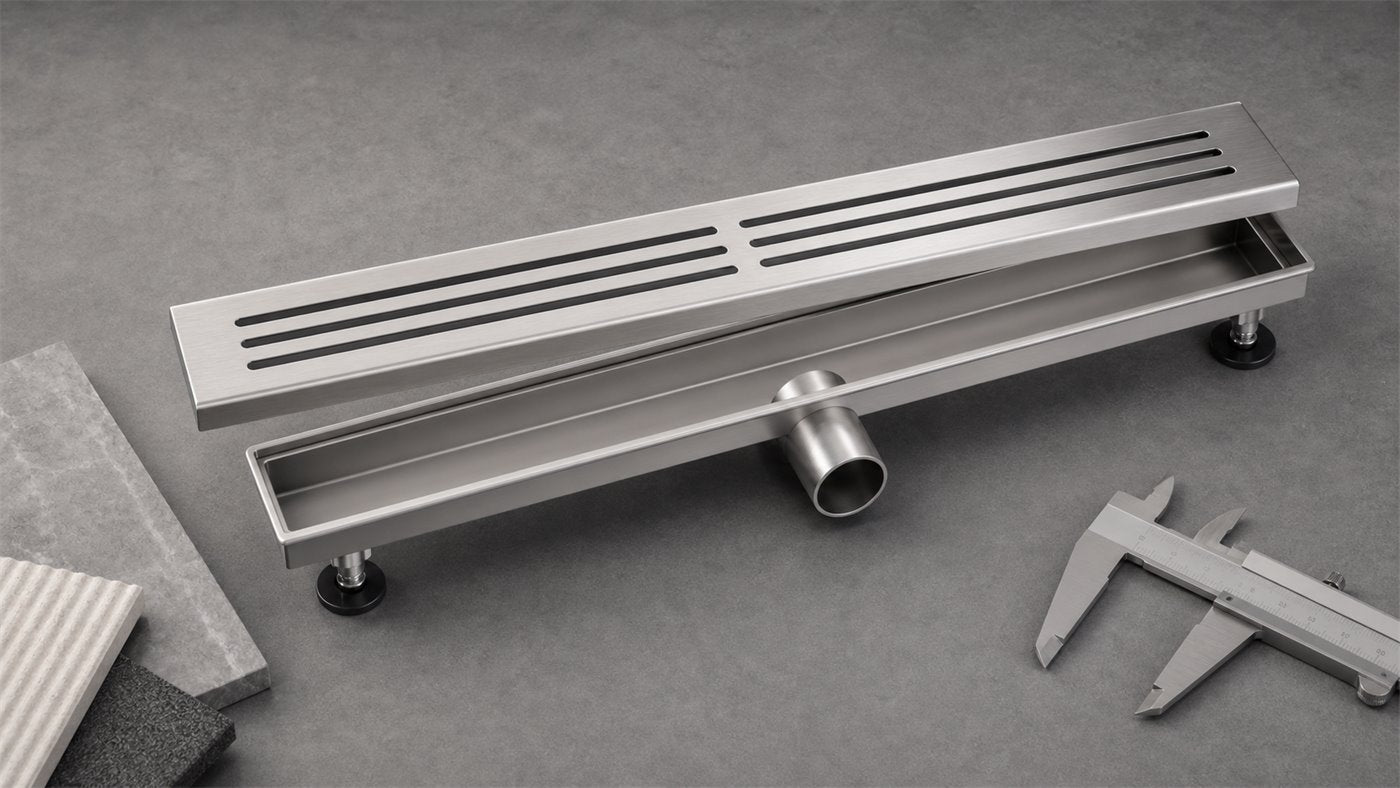
Connect product families to hotels, apartments, contractors, wholesale, or OEM needs.
View applications
Use RFQ to request current material and finish discussion instead of assuming fixed public options.
Request details
Route drawings, files, packing notes, and product details into RFQ follow-up.
View resourcesBuyer path
Use the site to move from product family, to application fit, to RFQ preparation. Buyers can share product line, destination market, quantity range, finish preference, OEM notes, and file links.
Factory / OEM / Applications
Factory, OEM, Applications, and Resources should explain what buyers can discuss with Promilink while keeping unverified commercial facts out of the public page.

Requestable information
Promilink can use the site to collect buyer context first, then respond with current details through RFQ follow-up.
Current product files, packing notes, finish discussion, and sourcing context.
Open factory
Finish, packing, product matching, and notes the buyer should include in RFQ.
Open OEM
Selection, material, installation, and sourcing content can grow after launch.
Open resourcesProcurement story
The site should help buyers understand what to ask for before sending an inquiry. This keeps the V1 focused on useful follow-up instead of retail ordering.
Use generic application paths to prepare product questions without implying a real customer project.
View applications
Frame OEM conversations around information buyers should include in RFQ.
Review OEM path
Use resources as a future content asset for material, selection, installation, and sourcing questions.
Open resourcesResources
Resources can start as a clean entrance and grow into long-term independent-site content assets for selection, material, OEM, and document requests.
Help buyers prepare product family, destination market, application, and quantity range.
Open resources
Explain what information is useful for finish discussion without making public promises.
Open resources
Prompt buyers to share packing notes, product targets, file links, and sourcing context.
Open OEM
Route document needs into RFQ follow-up instead of pretending a complete library is ready.
Prepare RFQRFQ
Email Promilink with product families, SKU lists, quantity range, destination market, material or finish preference, OEM packing notes, file links, and buyer context.